
- Posted on
- • Technology
Free Tool to Download YouTube Videos and Playlists
- Author
-
-

- User
- iamhamzatahir
- Posts by this author
- Posts by this author
-
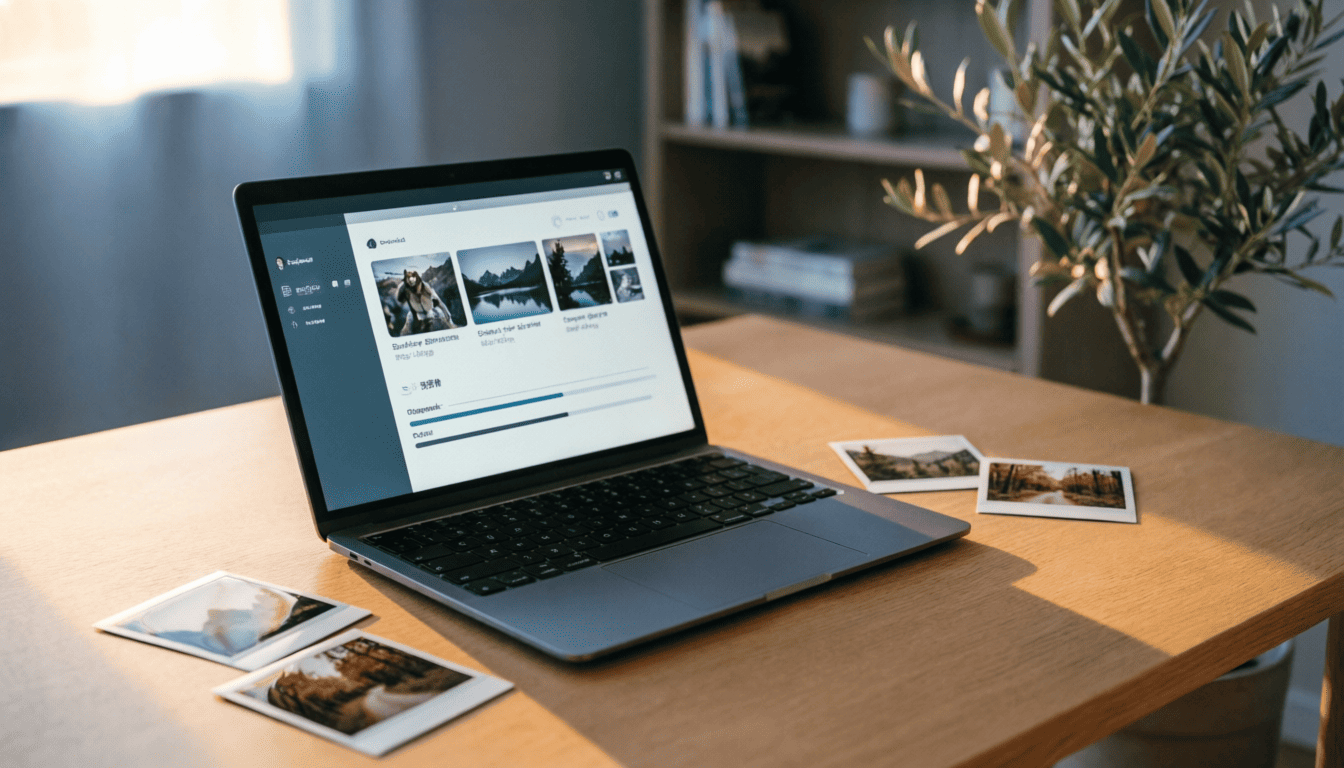
You know the drill. You find a brilliant three-hour documentary or a massive playlist of lo-fi beats, and you just want to save it for an offline flight. So you search for a way to download YouTube videos and end up on a sketchy website plastered with pop-up ads, fake buttons, and malware warnings.
It's exhausting. There has to be a cleaner, safer way to grab your media without risking your computer or your sanity.
Enter Stacher.
The Simplest Way to Download YouTube Videos
Stacher is a desktop application for Windows, Mac, and Linux. It takes the heavy lifting out of saving media from the web.
You don't need to know a single line of code. You don't need to install confusing command-line tools. You just open the app, paste your link, and hit download.
Here is why people are switching to it:
- Zero Ads: Unlike web converters, Stacher is a clean desktop app. No pop-ups, no fake download buttons, and no malware.
- Lightning Fast: It pulls files directly from the source at full speed.
- High Quality: Grab the highest resolution video or extract crisp audio files.
- Works Everywhere: It handles almost any video or audio site on the internet, not just the big one.
Grab Entire Playlists and Audio Tracks
Downloading a single clip is easy. But what if you want to save a 50-part tutorial series or a massive music playlist?
With browser tools, you have to copy and paste every single link. It takes forever.
Stacher lets you paste the main playlist URL. The app automatically finds every video in that list and queues them all up. You can walk away, grab a coffee, and come back to a fully downloaded folder.
It even lets you choose if you want just the audio, just the video, or both. If you are building a local music library for your phone, this feature alone is worth the install.
Sometimes you don't need the video at all. Maybe you want to listen to a two-hour interview on your morning commute, or you want to save a live DJ set as an MP3. Stacher makes this incredibly easy. You just select the audio-only format before you hit download. The app strips away the video track and gives you a clean, high-quality audio file.
Why a Desktop App Beats Web Converters — and IDM
Let’s talk about security for a second. When you use a random website to grab a clip, you’re sending your IP address and browsing habits straight to an unknown server. Those sites often inject tracking pixels, fingerprinting scripts, or worse — and your data is wide open.
A local desktop application processes everything on your own hardware. Your data stays on your machine, where it belongs.
Now think about traditional download managers like Internet Download Manager (IDM). IDM is a paid tool. If you skip the license, you’re stuck hunting for cracks, keygens, or patched executables. The problem? Those cracks rarely work reliably. One minor IDM patch update — often automatic — and the crack breaks, leaving you without a functioning downloader. You end up in a loop of reinstalling old versions, searching sketchy forums for updated cracks, and hoping the next one doesn’t come bundled with malware. It’s a constant hassle.
Stacher takes a completely different approach. The base application is entirely free, forever. There are no ads. Period. No cracks to dig up, no licenses to bypass. You just download and run — no strings attached.
The developers offer a Premium subscription to support ongoing development and provide exclusive features like custom themes and priority support, but the core functionality remains unrestricted. You are not the product here.
Plus, Stacher keeps itself updated the right way. When video sites change their code to block downloaders, Stacher updates its engine automatically through official channels. You never have to hunt for patches — and unlike a cracked IDM that dies on update, Stacher stays working without any circus.
Works on Whatever Computer You Own
One of the biggest frustrations with desktop software is being locked into a single ecosystem. You buy a new computer or switch operating systems, and suddenly your favorite tools stop working.
Stacher avoids this trap entirely. It is built to run natively on Windows, macOS, and Linux. Your workflow travels with you, regardless of the hardware sitting on your desk.
Whether you are on a Windows gaming rig, a MacBook for school, or a Linux machine for work, the experience is exactly the same. You get the same clean interface and the same fast download speeds across all three platforms.
Automate Your Favorite Creators
Imagine you follow five different creators who post weekly tutorials or podcasts. Instead of manually checking for updates every day, you can set up automated subscriptions.
Stacher quietly grabs the new episodes in the background and adds them straight to your library. You just tell the app which channels you care about, and it handles the rest.
It is like having a personal assistant dedicated to keeping your offline media collection completely up to date. You never miss an upload, and you never have to remember to check.
Organize and Play Your Media
Downloading the file is only half the battle. What happens when you have three hundred videos sitting in a messy folder?
If you upgrade to the optional Premium tier, Stacher transforms into a fully fledged media center. You get a built-in library to organize your saved content. You can filter by metadata, sort by upload date, and even play videos directly inside the app using custom players.
Think about the workflow of a digital archivist or a researcher. You aren't just saving random clips; you are preserving lectures, historical footage, and independent journalism. Having a dedicated interface to search through your local metadata makes retrieving that information effortless.
You stop treating your saved media like digital clutter and start treating it like a curated collection.
Advanced Settings When You Need Them
If you just want to grab a video and move on with your day, the default settings are perfect. But if you like to tinker, Stacher has a dedicated mode for you.
You can pass custom arguments directly to the backend engine. You can manage multiple configurations for different websites. You can even view detailed logs to troubleshoot a failed download.
It gives you the terminal experience without forcing you to actually live in the terminal. It is the best of both worlds for casual users and power users alike.
Taking Back Your Media
Relying on cloud platforms to store your favorite content is a gamble. Videos get deleted, channels get removed, and playlists disappear overnight.
When you download YouTube videos to your own hard drive, you own that copy. It's there for your road trips, your offline flights, and your personal archive.
Stop fighting with sketchy websites and aggressive ads. Grab the desktop app, paste your link, and build your own media library.
What is the first playlist or video you are going to save for offline viewing?